
Product Description
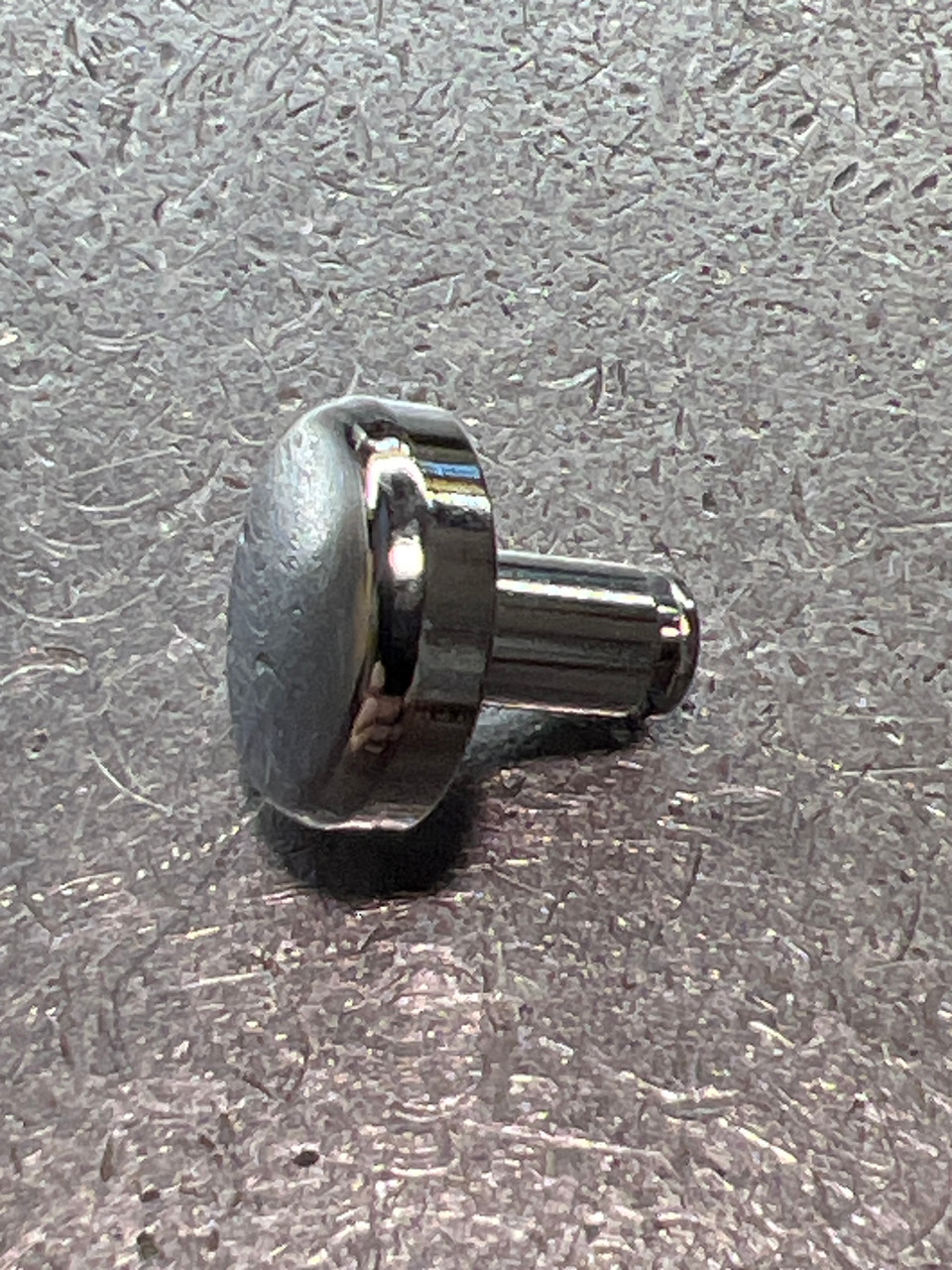
SHIMANO 104GX CLICK BUTTON (TGT1596)
Engage Your Strike Alarm
The Shimano 104GX Click Button (TGT1596) is the genuine OEM sliding switch designed for the premium Shimano Talica lever drag series. Located on the left side plate of the reel, this button is the external control for the line alarm system. When slid into the "On" position, it engages the internal clicker mechanism, providing that critical audible alert when a fish takes line.
Due to its position on the exterior of the reel, this button can be prone to impact damage, sun fading, or becoming stiff from salt buildup. Replacing it with this original Shimano part ensures smooth operation and restores the sleek aesthetic of your high-performance lever drag reel.
Product Specifications
-
Part Name: Click Button (Clicker Slide)
-
Manufacturer: Shimano
-
Part Number (MPN): TGT1596
-
Schematic Code: 104GX
-
Material: Metal
-
Color: Silver / Grey (Talica Series Finish)
-
Installation Position: Left Side Plate (Exterior)
Compatible Models
This part is engineered for the Shimano Talica (TAC) series, fitting both single-speed and 2-speed models in the mid-to-large size range.
-
Shimano Talica II (2-Speed) Series:
-
TAC 12 II
-
TAC 16 II
-
TAC 20 II
-
TAC 25 II
-
TAC 50 II
-
-
Shimano Talica (Single Speed) Series:
-
TAC 12
-
TAC 16
-
TAC 20
-
TAC 25
-
-
Other Variants:
-
TAC 20 BFC (Billfish Concept)
-
Note: Smaller Talica models (e.g., Talica 8 or 10) may use a different button size. Please verify your schematic code matches "104GX".
Installation & Reference
To ensure this is the correct button for your reel, please cross-reference the part number TGT1596 or the schematic code 104GX with your reel's service diagram.
-
Schematic Diagrams: For detailed PDF schematics and part location verification, please visit www.reelschematic.com.
-
Alternate Part Number: TGT1596
Installation Tip: The click button is typically held in place by a retainer clip or plate on the inside of the side plate (often connecting to the Click Switch Cam). You will need to remove the left side plate to access the internal linkage and swap this button out.